Barcode Scanner for Calories: What the Label Doesn't Tell You
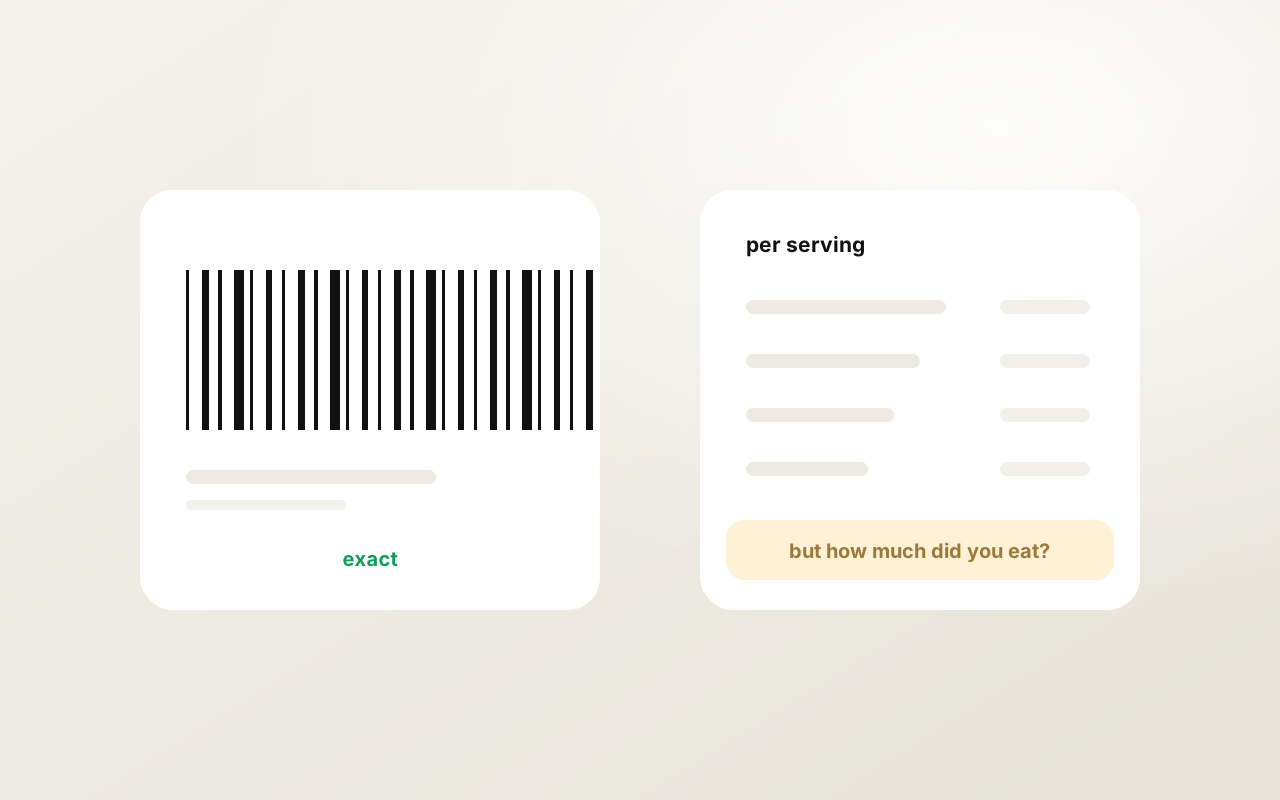
Quick answer: Scanning a barcode is the most accurate way to log a packaged product because the numbers come from the manufacturer's label, not an estimate. But the label describes a "serving" the manufacturer chose, rounded under rules that can hide 20–30 kcal per serving, and it says nothing about how much of the package you actually ate. A scan plus a stated amount is close to exact; a scan alone can be off by more than a photo.
How barcode scanning works
The barcode on a package is a product code (EAN in Europe, UPC in the US), not nutrition data. The app reads the code with the camera and looks it up in a database that maps codes to products and their labels. Three kinds of database exist:
- Manufacturer feeds. Direct from brands; accurate but incomplete.
- Open Food Facts. A crowdsourced open database with millions of products, strongest in Europe; free for any app to use. Entries can be outdated when a recipe changes.
- App-specific crowdsourcing. MyFitnessPal's 20-million-item database is largely user-submitted; coverage is huge, and so is the share of wrong entries.
Coverage varies by region. An app tuned for the US (MyFitnessPal, Lose It!) will find American products a European app misses, and vice versa: Yazio's coverage of German, Austrian and Italian supermarket brands is the best in the category. If a scan returns nothing, that is a database gap, not a scanner failure — photograph the label or type the product.
What the scan gives you, exactly
Calories, protein, carbs, fat, and whatever else is printed on the label: sugar, fiber, salt or sodium, saturated fat, sometimes vitamins. This is why barcode is the best input for the three numbers most trackers ignore — sugar, fiber and salt live on the label in a way they never live in a photo.
CalMePlease pulls those into its ten metrics automatically on scan; apps that track only four macros discard them.
What the label hides
1. The serving is not your portion
Every label is per serving, and the manufacturer decides what a serving is. A 100 g bag of chips may be labelled as "3 servings". A 500 ml bottle of juice may list per 250 ml. A tub of ice cream lists per 2/3 cup. If you scan and accept the default, you log a third of what you ate.
Fix: after scanning, state the amount — "the whole bag", "half the bottle", "150 g". In CalMePlease you can say it. Most scan errors are portion errors, not label errors.
2. Rounding rules
Labels are allowed to round. In the US, calories under 50 round to the nearest 5, above 50 to the nearest 10; anything under 5 kcal can be listed as 0. Fat under 0.5 g rounds to 0 — which is how "zero fat" cooking sprays and "zero calorie" sweeteners exist. Per serving the difference is small; across a day of small servings it is 50–100 kcal that never appears.
3. Per 100 g vs per serving vs per package
EU labels must show per 100 g or 100 ml; US labels show per serving, and since 2016 also per package for items likely to be eaten in one go. Apps sometimes pull the per-100 g figure and present it as the serving. Check which basis the app used before trusting the number on a large package.
4. "As sold" vs "as prepared"
Pasta, rice, oats, and anything that absorbs water are labelled dry. 100 g of dry rice is around 350 kcal; 100 g of cooked rice is around 130. Scan the box, log the cooked weight, and you are off by a factor of nearly three. The same applies in reverse to meat that loses water in cooking.
Fix: if you weigh cooked, look for a cooked entry or divide accordingly.
5. Label tolerances
Regulators allow real content to vary from the printed figure — in the US up to 20% for calories, with similar tolerances in the EU. Independent testing regularly finds packaged foods 10–20% above the label. The barcode is precise about what was printed, not about what is in the packet.
6. Recipe changes
Manufacturers reformulate. The database entry may be three years old. If the label in your hand disagrees with the scan, the label wins.
Barcode vs photo vs voice: when to use which
| Situation | Best input | Why |
|---|---|---|
| Packaged product, eaten whole | Barcode | Label-accurate |
| Packaged product, part eaten | Barcode + stated amount | Label-accurate for the fraction you ate |
| Home-cooked plate | Photo + voice note | No barcode; AI names components, you add oil/amount |
| Restaurant meal | Photo + voice note | Hidden fat and sugar; note "restaurant" |
| Snack with no packaging in hand | Voice | Fastest; nothing to scan or photograph |
| Dry goods you cooked (rice, pasta, oats) | Barcode + cooked weight | Label is dry; state what you actually ate |
The pattern: barcode is exact for what is printed; you supply the amount. Photo estimates the amount; you supply what it cannot see. Voice supplies both, from memory. The best trackers let you combine them in one meal — scan the yogurt, photograph the bowl of fruit on top, say "a spoon of honey".
Which apps scan barcodes for free
Barcode scanning has become a paywall feature in several major apps, which surprises people who consider it basic.
| App | Barcode on free tier |
|---|---|
| CalMePlease | Yes |
| Cronometer | Yes |
| Lose It! | Yes |
| Cal AI | Yes |
| MyFitnessPal | Premium only (since 2022) |
| Yazio | Pro only |
A practical barcode routine
- Scan.
- Look at the serving basis the app used (per serving? per 100 g? as sold?).
- State how much you ate, in your own units.
- If the product is missing, photograph the nutrition panel or type the name — do not pick a "close enough" entry, that is where the biggest errors come from.
- For dry goods, log the cooked amount against a cooked entry.
Two of those steps are about the amount. That is the whole lesson: the label is accurate, your portion is the variable.
FAQ
Is barcode scanning more accurate than photo? For packaged food, yes — the numbers come from the label. For the amount you ate, no: the scan does not know whether you had one serving or the whole packet.
Why does the barcode app show different calories than the package? Database entries can be outdated after a recipe change, pulled per 100 g instead of per serving, or crowdsourced wrongly. The label in your hand is the reference.
Which barcode database do calorie apps use? A mix of manufacturer data, Open Food Facts and their own user submissions. Coverage is regional: US apps find US products, European apps find European ones.
Can I scan a barcode for sugar and salt, not just calories? Yes — they are on the label. Whether the app keeps them depends on the app; CalMePlease tracks sugar, salt and fiber on every scan as part of its ten metrics.
What if the product has no barcode? Photograph the nutrition panel or say the product name. For produce, deli and bakery items there is no barcode; use photo or voice.
Related: How AI food recognition works · Voice food logging: how to track meals without typing · Hidden sugar: where it comes from and how much is too much
CalMePlease scans barcodes on the free tier and tracks ten metrics per meal, including sugar, salt and fiber from the label. Download on the App Store.
